
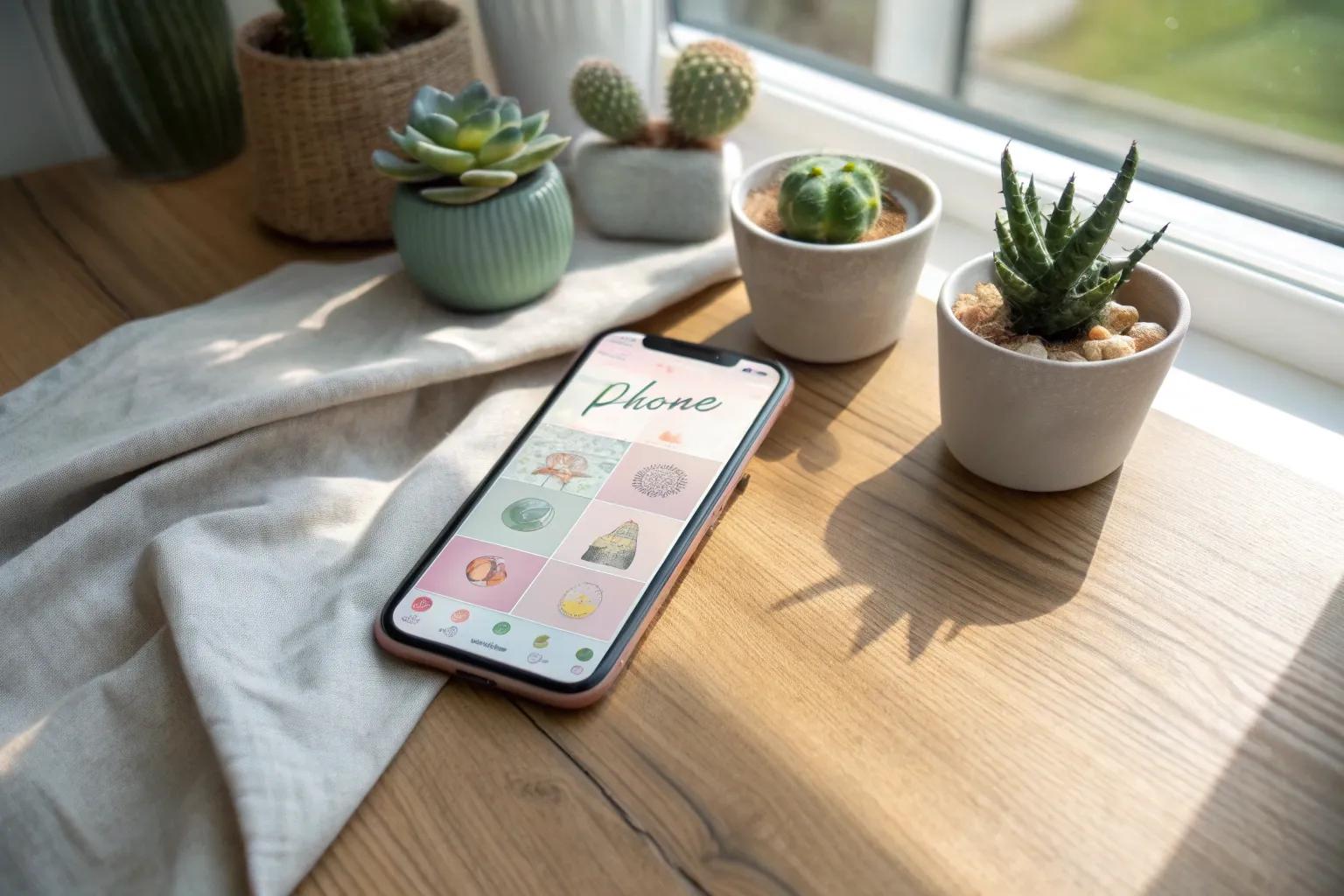
Have you ever looked at your phone’s home screen and thought it needed a little more personality? Let’s explore creative ways to give your home screen a makeover that’s totally you.
1. Color-Coded Icons

Organize your apps by color for a visually pleasing effect. I once lined up my social media apps in a rainbow gradient—it was a real mood lifter.
2. Organized Layouts

Arrange your apps in a way that makes sense for you, maybe by color or function. I once grouped all my creative apps together, making my digital workspace a breeze to navigate.
3. Custom Icons

Swap out those standard app icons for something more unique. Last month, I designed a set of icons inspired by my favorite vintage travel posters, and it completely changed the vibe of my phone.
4. Minimalist Approach

Embrace simplicity with a minimalist design, keeping only essential apps on display. It’s amazing how a clean screen can boost focus and reduce stress.
5. Character Themes

Show off your fandom with character-themed icons and wallpapers. I’ve got a soft spot for classic movies, so my screen often features iconic film stills.
6. Focus Modes

Create different home screen setups for various parts of your day. My evening layout is all about relaxation, with soothing colors and quick access to my meditation apps.
7. Personal Interests

Incorporate your hobbies into your home screen design. As a craft lover, I sprinkle images of my latest projects around my icons—it really keeps me motivated.
8. Dockless Design

For a sleek look, hide the bottom dock and let your wallpaper shine. I love the extra space it gives to showcase my favorite art pieces.
9. Photo Memories

Add a personal touch with your favorite photos as part of the layout. I have a rotating gallery of my travels that keeps my screen fresh and full of memories.