
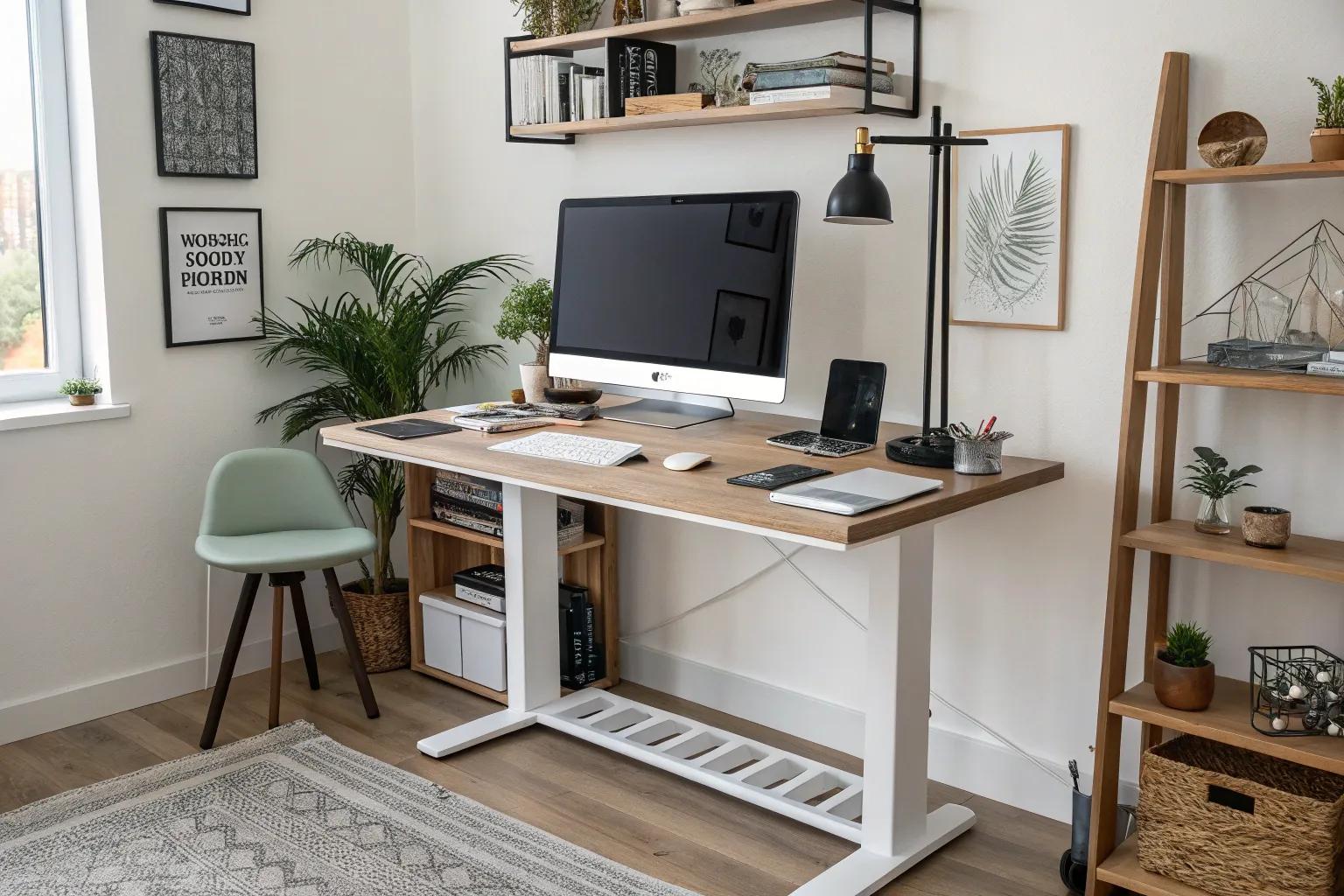
Managing cables for a standing desk can feel like a game of chess, where strategy and foresight lead to a clean and organized workspace. Let’s explore some innovative ideas to keep your cables in check and your desk looking pristine.
1. Use a Cable Tray Underneath

An under-desk cable tray is like a hidden channel, guiding cables neatly out of sight. I’ve seen these trays transform chaotic setups into streamlined operations in my clients’ offices.
2. Use a Cable Management Box

A cable management box can house bulky power bricks and excess cable lengths. I’ve seen it work wonders for clients aiming for a minimalist design.
3. Install Desk Grommets

Desk grommets allow cables to pass through the desk surface, keeping them neatly tucked away. This technique is a favorite in my projects for achieving a seamless look.
4. Use Velcro Straps for Flexibility

Velcro straps offer flexibility and can be easily adjusted as needed. They’re a favorite in my toolkit for keeping cables organized without permanent fixtures.
5. Use a Cable Spine for Flexibility

A cable spine adapts to desk height adjustments, ideal for standing desks. It’s a flexible solution that I’ve found particularly useful for dynamic workspaces.
6. Employ Desk Skirts

Desk skirts can conceal cables and other unsightly elements. This approach is both practical and stylish, offering a quick fix for visible cable issues.
7. Create a Cable Raceway

A cable raceway hides cords along walls or the underside of desks. This technique is ideal for those seeking a clean and professional look.
8. Opt for Wireless Peripherals

Switching to wireless devices can eliminate a significant number of cables. I’ve often recommended this to clients looking for a minimalist desk aesthetic.
9. Label Your Cables

Labeling cables ensures quick identification and reduces confusion. It’s a simple yet effective tip I share with clients for added organization.
10. Go for a Minimalist Setup

Adopting a minimalist setup inherently reduces cable clutter. I find that simplicity in design not only enhances aesthetics but also boosts productivity.
11. Integrate Cable-Hiding Furniture

Furniture designed to hide cables can transform a workspace. I often suggest this solution for a cohesive, integrated look that minimizes visible clutter.
12. Incorporate Built-In Desk Channels

Desks with built-in channels offer an elegant solution for cable management. I recommend these for a seamless look that requires minimal effort.
13. Try Magnetic Cable Organizers

Magnetic cable organizers keep cables in place with a simple touch. I’ve seen these small tools make a big impact in maintaining a tidy desk.
14. Install Desk-Mounted USB Hubs

A desk-mounted USB hub reduces the need for multiple cords stretching across your workspace. I often incorporate these into designs for tech-savvy clients.
15. Bundle Cables with Sleeves

Wire management sleeves gather multiple cables into one neat bundle. This approach is a staple in my designs for achieving an uncluttered look.
16. Implement a Charging Hub

A desktop charging hub provides easy access while minimizing cable sprawl. This is a go-to solution in my designs for modern, tech-friendly spaces.